

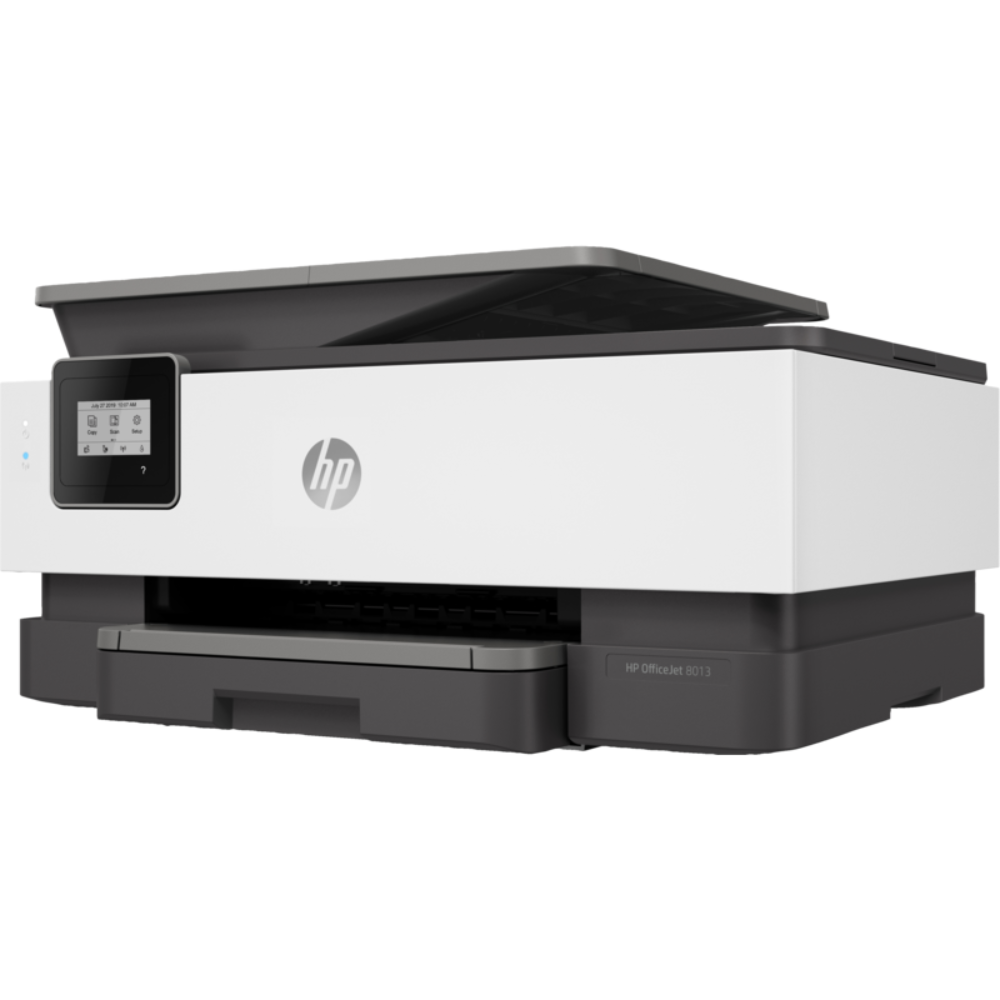


HP OfficeJet 8023 All-in-One Printer (1KR64B)
Original price was: ₦300,000.00.₦285,000.00Current price is: ₦285,000.00.
Duplex printing: Automatic (standard)
Duty cycle (monthly, letter): Up to 20,000 pagesUp to 20,000 pages 3 (Duty cycle is defined as the maximum number of pages per month of imaged output. This value provides a comparison of product robustness in relation to other HP Color InkJet devices.)
Duty cycle (monthly, A4): Up to 20,000 pages 3 (Duty cycle is defined as the maximum number of pages per month of imaged output. This value provides a comparison of product robustness in relation to other HP Color InkJet devices.)
Recommended monthly page volume: Up to 800 pages
Print quality black (best): 1200 x 1200 rendered dpi
Print quality color (best): Up to 4800 x 1200 optimised dpi on HP Advance Photo Paper 1200 x 1200 dpi input
Print languages: HP PCL3 GUI
Print technology: HP Thermal Inkjet
Connectivity, standard: 1 Wireless 802.11a/b/g/n
Mobile printing capability: Chrome OS; HP Smart app; Apple AirPrint™; Wi-Fi® Direct Printing; Mopria™ Certified 4
Network capabilities: Yes, Wireless 802.11a/b/g/n
Wireless capability: Yes, built-in Wi-Fi 802.11a/b/g/n
Minimum System Requirements for Macintosh: OS X v10.11 El Capitan; macOS Sierra v10.12 (previously OS X); macOS High Sierra v10.13; macOS Mojave v10.14; 1.5 GB available hard disk space; Internet access
Minimum System Requirements: Windows 10, 8.1, 8, 7: 1 GHz 32-bit (x86) or 64-bit (x64) processor, 2 GB available hard disk space, CD-ROM/DVD drive or Internet connection, USB port, Internet Explorer
Digital sending standard features: Scan to PC
Display 5.58 cm (2.2 in): Capacitive Touchscreen MGD
Processor speed: 1.2 GHz
Maximum Memory: 256 MB DDR3 SDRAM
Memory: 256 MB
Compatible Operating Systems: Windows 11; Windows 10; Windows 8; Windows 7; Windows Server; ChromeOS (Windows XP and Windows Vista not supported)
HP OfficeJet 8023 All-in-One Printer (1KR64B)

MAECENAS IACULIS
Vestibulum curae torquent diam diam commodo parturient penatibus nunc dui adipiscing convallis bulum parturient suspendisse parturient a.Parturient in parturient scelerisque nibh lectus quam a natoque adipiscing a vestibulum hendrerit et pharetra fames nunc natoque dui.
ADIPISCING CONVALLIS BULUM
- Vestibulum penatibus nunc dui adipiscing convallis bulum parturient suspendisse.
- Abitur parturient praesent lectus quam a natoque adipiscing a vestibulum hendre.
- Diam parturient dictumst parturient scelerisque nibh lectus.
Scelerisque adipiscing bibendum sem vestibulum et in a a a purus lectus faucibus lobortis tincidunt purus lectus nisl class eros.Condimentum a et ullamcorper dictumst mus et tristique elementum nam inceptos hac parturient scelerisque vestibulum amet elit ut volutpat.
Related products


HP LASERJET MFP M135A (4ZB82A)


HP MONO LASERJET PRO M203DW (G3Q47A)
- Main functions of the HP M203dw laser printer: reliable monochrome printing, wireless printing, AirPrint, double-sided printing, LED control panel, and more
- This HP M203dw laser printer replaces the HP M201dw printer, additionally the newer HP M203dw has 15% faster print speeds plus HP JetAdvantage Security Manager
- Prints up to 30 pages/minute, input tray paper capacity up to 260 sheets, duty cycle up to 2,000 pages/month
- The power of your printer in the palm of your hand: The HP Smart app allows you to easily set up your printer, scan from your smartphone, order toner, and print from the cloud—such as iCloud, Dropbox and Google Drive
- Set a faster pace for your business: Print two-sided documents right away, and easily manage to help maximize efficiency
- Original HP Toner cartridges with JetIntelligence - engineered to help your printer print faster and more pages
- Never shop for toner again: Save 10% with Amazon Dash Replenishment upon activation; your printer measures toner levels and places smart reorders when you are running low; no subscription fees
- Ideal for home and small to medium businesses with work groups of 1-5 users; one-year limited hardware warranty; 24-hour, 7 days a week Web support

HP OfficeJet 8013 All-in-One Printer (1KR70B)

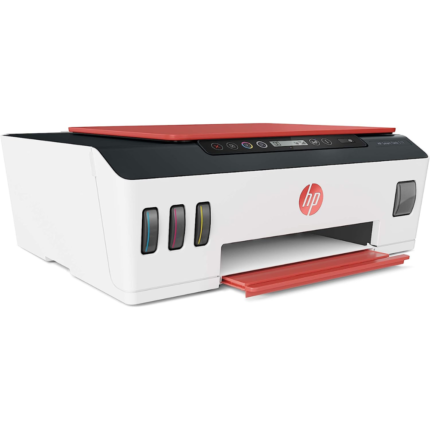
HP SMART TANK 519 WIRELESS ALL-IN-ONE PRINTER (3YW73A)
- High-Volume, Low-Cost Printing And Innovation Design- Get Up To 18,000 Black Pages Or Up To 8,000 Colour Pages
- Latest Technology Delivers HP's Best In-Class Print Quality- Count On Dark, Crisp Text, And Get Vibrant Colour Graphics For All Your Prints
- Faster Connections, Easy Productivity-Get Faster, More Reliable Connections With Dual Band Wi-Fi


HP SMART TANK 515 WIRELESS ALL-IN-ONE PRINTER (1TJ09A)
- High-Volume, Low-Cost Printing And Innovation Design- Get Up To 18,000 Black Pages Or Up To 8,000 Colour Pages
- Latest Technology Delivers HP's Best In-Class Print Quality- Count On Dark, Crisp Text, And Get Vibrant Colour Graphics For All Your Prints
- Faster Connections, Easy Productivity-Get Faster, More Reliable Connections With Dual Band Wi-Fi
- Simple, spill-free refill: Easily refill your ink tank system with spill-free, resealable bottles. Connectivity, standard-Hi-Speed USB 2.0, Wi-Fi, Bluetooth LE. Network protocols, supported-9100, SNMP, SLP, IPP, WS-Print, Wireless, LPR

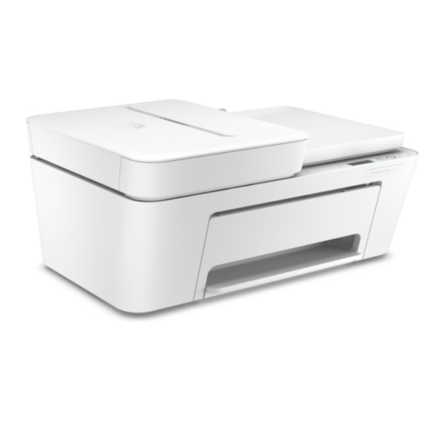
HP DeskJet Plus 4120 All-in-One Printer (3XV14B)
- Fax Resolution Black (best) - Up to 150 x 150 dpi
- Fax memory - Unlimited storage
- Fax telephone mode supported - No
- Fax transmission speed (letter) - 14.4 kbps
- Fax transmission speed note - Set by Fax service Provider.
- Input capacity - Up to 60 sheets
- Standard input capacity (cards) - Up to 20 cards
- Standard input capacity (envelopes) - Up to 5
- Output capacity - Up to 25 sheets
- Automatic document feeder capacity - Standard, 35 sheets

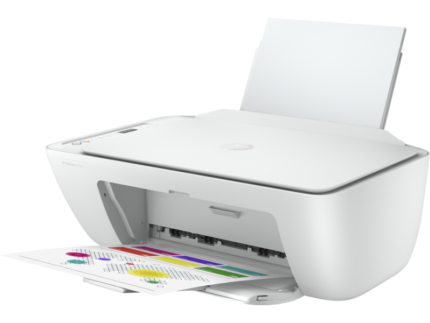
HP DeskJet 2710 All-in-One Printer
Simple setup. Simple printing.
Use your smartphone to set up in a few easy steps, then connect and print from any device, using HP Smart – best-in-class mobile print app. 4 5 Even use the HP Smart app to print, scan, and copy from anywhere. 4
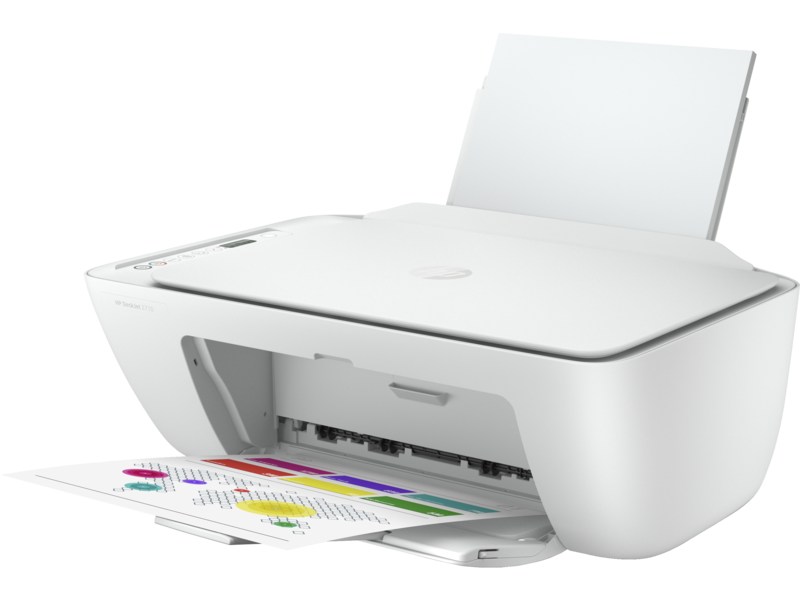
Worry-free wireless
Designed to help keep you connected. Dual-band Wi-Fi® with self-reset enables better range and faster, more reliable connections. 6 Plus, you can easily connect through your USB port.
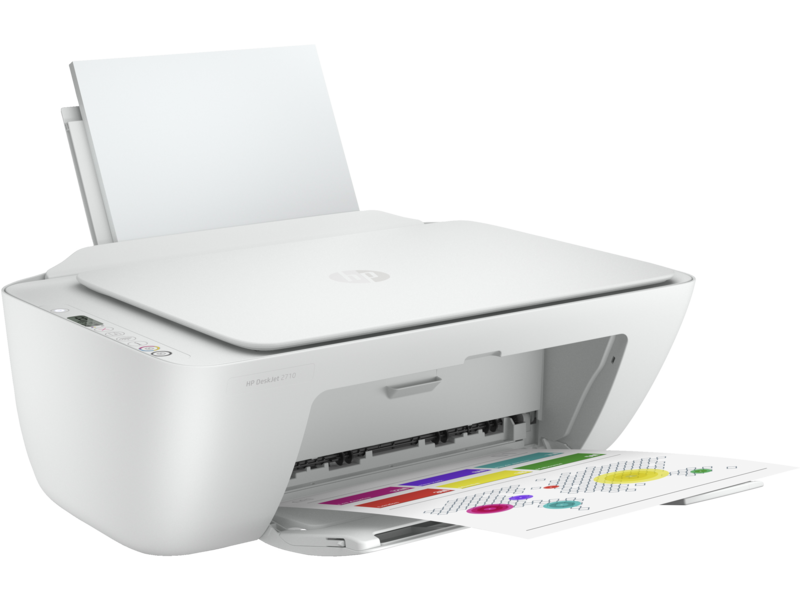
Quality you can count on
Depend on Original HP ink cartridges to deliver the everyday documents and photos you need. Choose high-yield cartridges to get a better value for frequent printing.
All the essentials – count on easy setup with HP Smart app, 2 and get worry-free wireless 1
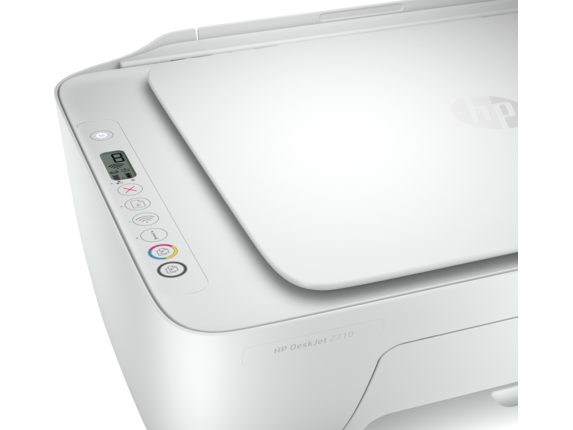


Reviews
There are no reviews yet.